 Fast, Free Delivery
 Money-Back Guarantee
 Lifetime Customer Support
 365 Days Warranty
Support Center
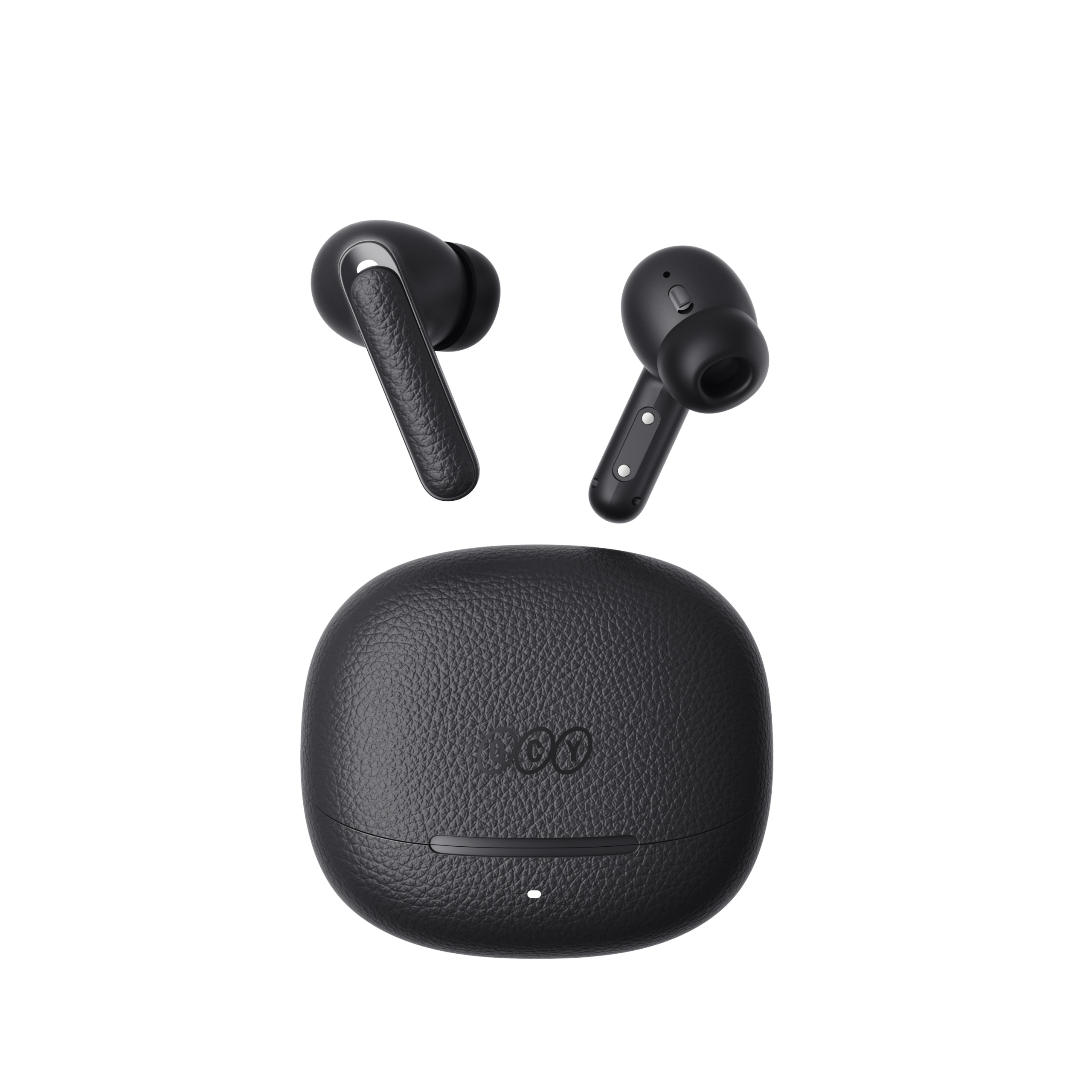
QCY Buds ANC
Find product guides, troubleshooting answers, manuals and customer support.
FAQ
Why does the QCY app ask for location access?
The app itself doesn’t normally need location access. However, when Bluetooth Low Energy (BLE) is used to find your earbuds, Android requires location permission.
If you prefer not to share your location, close the app and try pairing again.
What should I do if my earbuds are not found on the QCY App?
1. Pair the earbuds with your phone.
2. Open the QCY app, scroll to the bottom, and click ""Add Devices.""
3. If ""H3 Pro"" pops up, select it to connect.
4. If not, click ""Set Up Manually"" and choose ""QCY Crossky C30"" from the list to connect.
What should I do if Crossky C30 ear clips or charging case charges slowly or does not charge?
1. Use a dry cloth or cotton swab with a bit of rubbing alcohol to clean the charging pins in the charging case and on the earbuds to ensure a better connection.
2. Charge your charging case with a different charging cable and wall charger, and make sure the charging case has enough power.
Why the battery levels of the left and right ear clips are inconsistent?
Due to different usage habits and varying battery health between the left and right ears, it is normal for there to be some difference in battery consumption between the two earbuds during use.
What can I do if my headphones won't connect to my device?
1. Clear the pairing records between the headphones and all of the previous devices.
2. Re-pair your headphones and the device.
If that doesn’t work:
- Try pairing with another device to check for compatibility issues.
- Ensure there are no objects blocking the Bluetooth signal.
What should I do if my headphons sound is choppy?
Please note that this may not indicate an issue with the headphones themselves, but could be related to the connected device or your environment. Bluetooth signals can be affected by obstacles like walls, appliances, Wi-Fi interference, and more. To ensure a stable connection, try to minimize such obstructions.
To resolve the issue, follow these troubleshooting steps:
1. Fully charge and reset your headphones
2. Check the performance by listening to downloaded music or videos to avoid potential streaming issues.
3. Test the headphones with another Bluetooth device in a different location to see if the issue persists.
Does QCY Crossky C30 use bone conduction?
No, QCY Crossky C30 uses air conduction.
Can the left and right ear clips be paired with two different devices separately?
No, they cannot. The ear clips can be connected to two devices at the same time using Dual Connection, but they can only play audio from one device at a time.
Can the left and right ear clips be used separately?
Yes, they can be used directly upon being taken out of the case, including when only removing a single earbud.
How can I enable multipoint connection?
To connect two devices:
Step 1. Pair the headphones with device A.
Step 2. Disable Bluetooth on device A, and the headphones will enter pairing mode.
Step 3. Pair the headphone with device B.
Step 3. Re-enable Bluetooth on device A and reconnect to the headphones.
After this initial setup, the headphones will automatically connect to both devices next time.
How do I clean Crossky C30?
You can use an alcohol pad or a regular wet wipe to gently clean the surface. Please do not soak them in water.
What can I do if the volume is low when connecting to my phone?
Try to re-pair your headphones: Clear the pairing records on your phone, then re-pair the earbuds to your device.
Why can't the person on the other end of the call hear me, or why is my voice unclear?
We recommend trying the following steps:
- Verify that the audio output device on your phone is set to "QCY Crossky C30"
- If you're making the call through an app, try making a direct call using your phone's regular calling feature to check if the issue persists.
- Test your earbuds with a different Bluetooth device in a different environment to see if the problem improves.
What can I do if the headphones have poor sound quality?
You can try the following troubleshooting steps:
- Check the audio source: Test different types of music and make sure the audio source is clear and free of distortion or noise.
- Customize the EQ settings: Use the QCY app to try different EQ modes or customize the sound profile to suit your preferences.
Manuals
Still Need Help?
 Call Us+1 (917) 807-6754
 Submit FeedbackSubmit Here
 Chat with Us
 Customer Supportservice@qcyearphone.com
 Marketing & Partnershiprice@qcyearphone.com
 Press Inquirypr@qcyearphone.com